SmartPawsGuides & trusted resources — always independent.

SmartPawsSmartPaws
Furbo Not Tossing Treats? Treat Size and Jam Fixes
Review 8 min readPublished ·Updated

Furbo Not Tossing Treats? Treat Size and Jam Fixes

By John Choi · SmartPaws author

Why Furbo treat tossing fails, which treats fit the dispenser, and step-by-step fixes for a jammed Furbo 360°, drawn from Furbo's help center and published repair guides.

Affiliate Disclosure: SmartPaws is a participant in the Amazon Services LLC Associates Program. We earn a small commission when you purchase through our links at no extra cost to you. This helps us keep our guides free and independent.

This article contains affiliate links. We may earn a commission if you purchase through our links, at no extra cost to you.

The treat toss is the reason many owners choose a Furbo over an ordinary indoor camera, so it is disappointing when you tap the treat button and nothing comes out, or your dog waits by an empty floor. In most cases the camera is fine and the problem is the treats: they are too big, too soft, the wrong shape, or crumbling into dust that clogs the launcher. This guide explains what Furbo recommends, the most common causes of failed tosses, and a step-by-step routine for clearing a jam, drawing on Furbo's help center and published repair guides. If you are still deciding whether a treat camera is right for you, start with our Furbo 360° treat tossing review.

Why Furbo Treat Tossing Fails

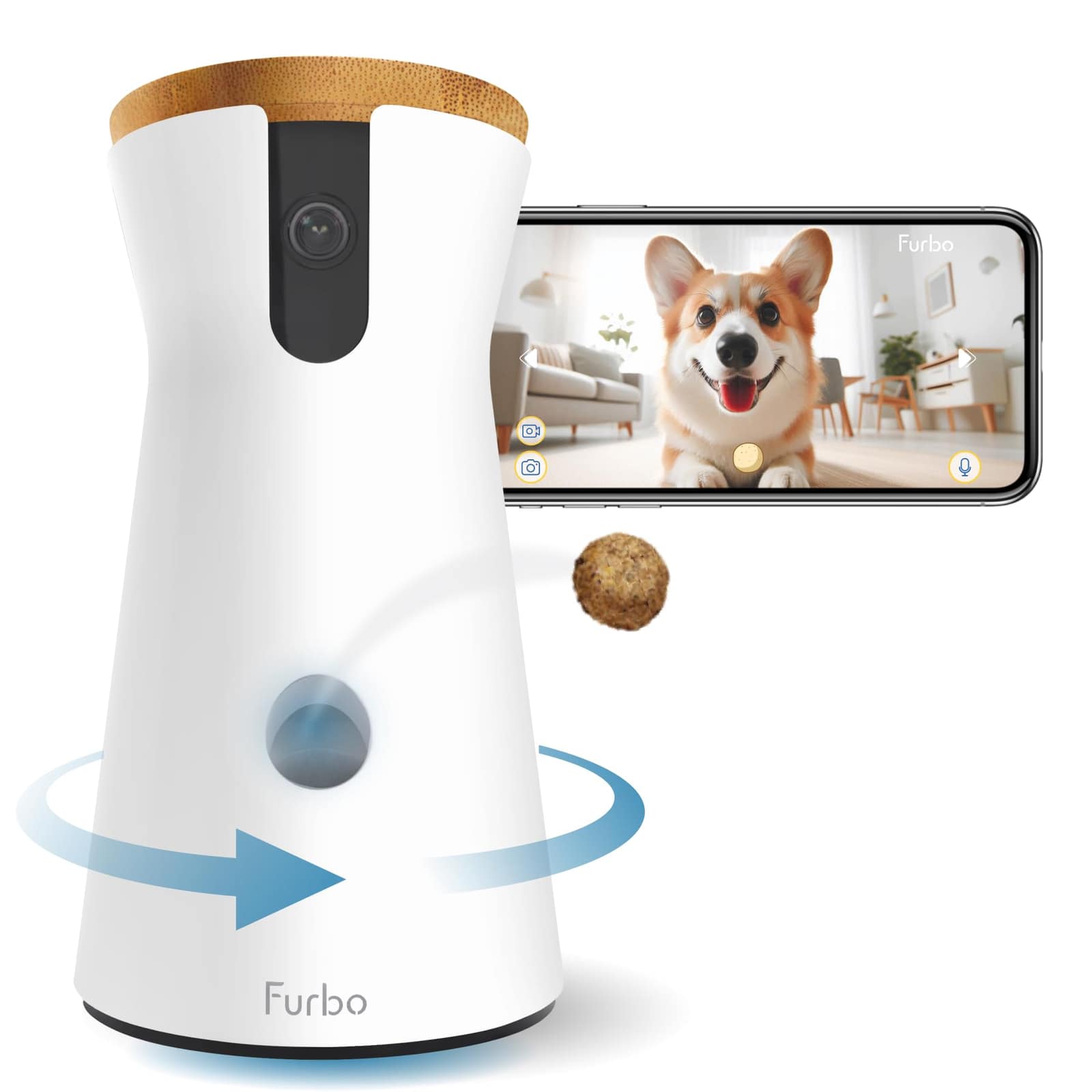
A Furbo uses an internal launcher to move one or more treats from the hopper into a chute and flick them out of the front of the camera. Anything that keeps treats from flowing freely into that launcher can cause a failed toss. The most common causes are treats that are too large or elongated to fit the launcher, soft or sticky treats that clump together, crumbly treats that leave dust and fragments inside the mechanism, and an overfilled hopper that packs treats tightly. Less often, the problem is the inner tosser being knocked out of position, or the app losing its connection to the camera so the toss command never arrives.

Furbo's Treat Rules: Size, Shape, and Texture

Furbo's help center and treat guide consistently recommend dry, firm, round treats around 0.5 inches across for the best results. Furbo's help article for the Furbo 360° Dog Camera describes a workable range of roughly half an inch to three-quarters of an inch, and says treats should not be sticky or easily crumbled. Round and small treats work better than long shapes such as bone biscuits, which can wedge sideways in the launcher. Furbo also suggests doing a test run with any new treat before relying on it while you are away. Its own roundup of suggested treats includes Zuke's Mini Naturals, Plato Small Bites, Natural Balance Mini-Rewards, Bocce's Bakery Crispies, and similar small training treats.

Two cautions apply. First, soft training treats can work, but they are the most likely to stick together in humid rooms, so try a small handful before filling the hopper. Second, count tossed treats in your dog's daily calories. Many veterinarians suggest keeping treats to about 10% of daily intake, and Furbo recommends checking with your veterinarian on the right treat size and amount, especially for puppies.

A small training treat that appears on Furbo's own list of suggested treats. At about 3 calories each, it is easy to fit into a daily treat budget. Because it is soft, test a handful in your Furbo before filling the hopper.

Step-by-Step: Clearing a Furbo Treat Jam

Work through these steps in order and test with a single toss after each one.

Step 1: Empty the hopper completely and clean out crumbs and fragments. Furbo's troubleshooting guidance and iFixit's Furbo guide both start here, because residual dust is the most common cause of repeated jams.

Step 2: Give the unit several firm shakes with the hopper empty to dislodge treats caught in the mechanism.

Step 3: If the launcher still seems stuck, iFixit's guide suggests gently using a pen to loosen jammed treats in the inner launcher so they drop into the tunnel. Unplug the camera first and never force the mechanism.

Step 4: If the inner tosser has been pushed out of place, push it back until you hear a click, reload a few treats, and try four or five tosses.

Step 5: If the toss cycle stops partway, unplug the Furbo for about 20 seconds, plug it back in, and test again.

Step 6: Reload with a small number of dry, round treats that match the checklist above, and run a final test while you watch the live view.

If tosses still fail after a clean hopper and correctly sized treats, contact Furbo support. A repeated failure with good treats suggests a hardware problem that may be covered by warranty.


Automatic jam recovery on newer models

Some newer Furbo models try to clear jams on their own. Furbo's help center describes a Treat Toss Helper that vibrates the camera for a few seconds to shake loose stuck treats, and, for its Furbo 360° Cat Camera, a launcher that reverses briefly and retries if a toss does not complete within 10 seconds. These behaviors differ by model, so check the help article for your exact Furbo before assuming your camera does the same.

When It Is Not the Treats

If you tap the treat button and the camera makes no sound at all, the problem may be the connection rather than the launcher. Check that the live view is current, not frozen, that your phone and the Furbo app are up to date, and that the camera is on a stable 2.4 GHz Wi-Fi connection. Placement matters too. Furbo recommends supervising your dog in person during early tosses, and a camera placed too high or aimed at furniture can land treats where your dog cannot reach them, which looks like a failed toss from the app. For placement tips, see our guide to setting up a pet camera at home.

With dry, round, correctly sized treats and a quick hopper cleaning every few refills, the Furbo 360° treat toss is reliable, and most failed tosses trace back to the treats rather than the camera.

Frequently Asked Questions

What size treats fit in a Furbo?

Furbo recommends dry, firm, round treats around 0.5 inches across. Its Furbo 360° help article describes a range of about 0.5 to 0.75 inches. Avoid long, sticky, or crumbly treats.

Can I use kibble in my Furbo?

Small, round, firm kibble often works if it falls within Furbo's size guidance. Test it while you are home, since very small or flat pieces may not toss well and oily kibble can leave residue.

How many treats does a Furbo hold?

Published reviews of the Furbo 360° put hopper capacity at roughly 100 small treats. Filling it with a few days' supply instead of packing it full reduces clumping.

Why does my Furbo toss several treats at once?

Small treats can pass through the launcher together, and some Furbo models deliberately vary the number of treats per toss. If your dog needs strict portion control, use slightly larger treats within Furbo's recommended range.

When a Furbo stops tossing treats, start with the treats themselves. Switch to dry, firm, round treats around half an inch across, clean the crumbs out of the hopper, and test before you leave the house. If a jam persists, empty and shake the unit, reseat the inner tosser, and power-cycle the camera. Contact Furbo support only if correctly sized treats still fail. With the right treats and a little routine cleaning, the treat toss remains one of the most engaging features a dog camera can offer.

#Furbo#Furbo 360#Treat Dispenser#Dog Camera#Troubleshooting#Pet Camera