Best forchecking in on your dog while away
50K+ Reviews
App Connected
Cameras & Monitoring
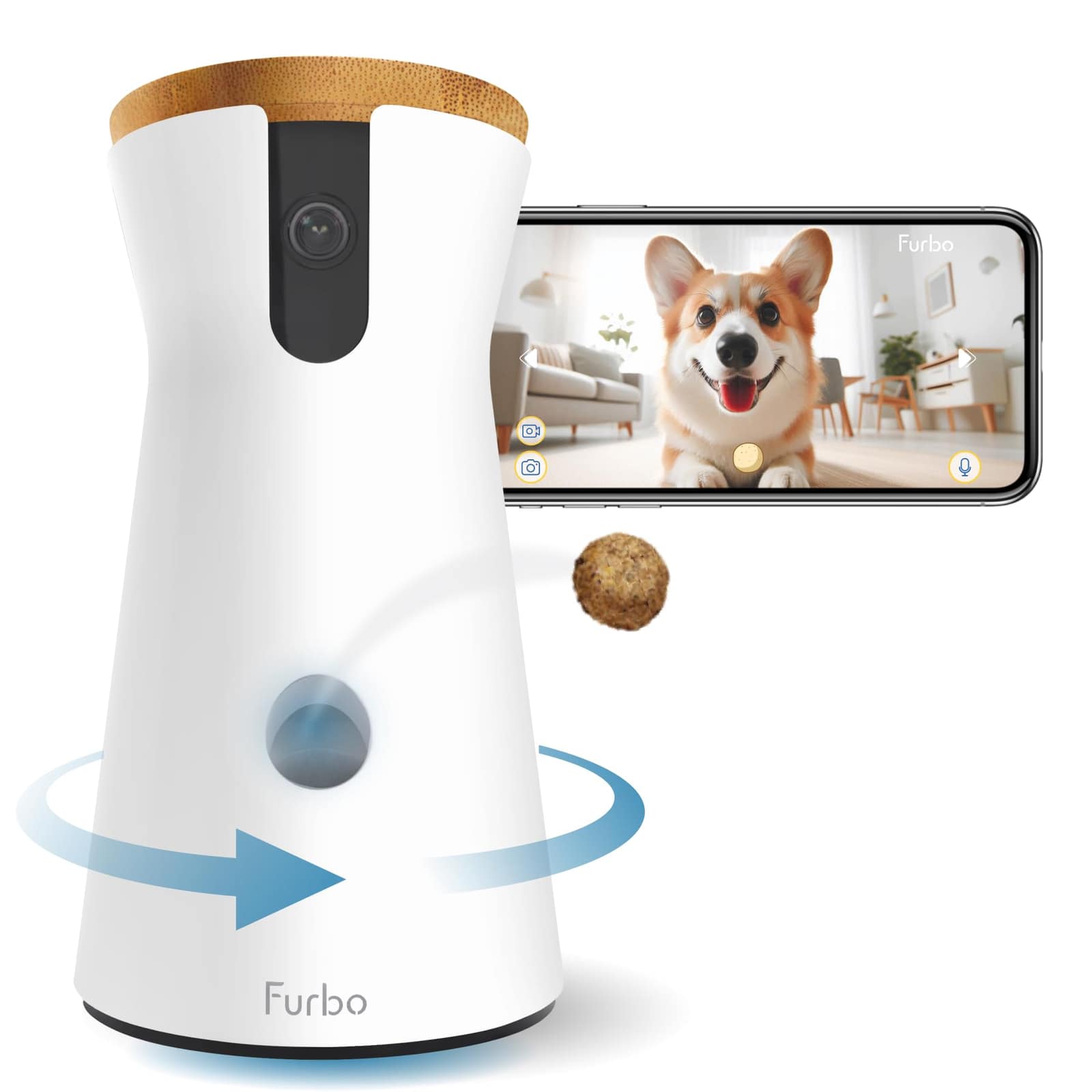
Furbo 360° Dog Camera
See, talk, and toss treats to your dog from anywhere.
4.3 · 50K reviews
8.2SmartPaws Score
How?Typically$69–$210In Stock
SmartPawsGuides, comparisons & trusted resources — Guides & trusted resources — always independent.
By John Choi · SmartPaws author
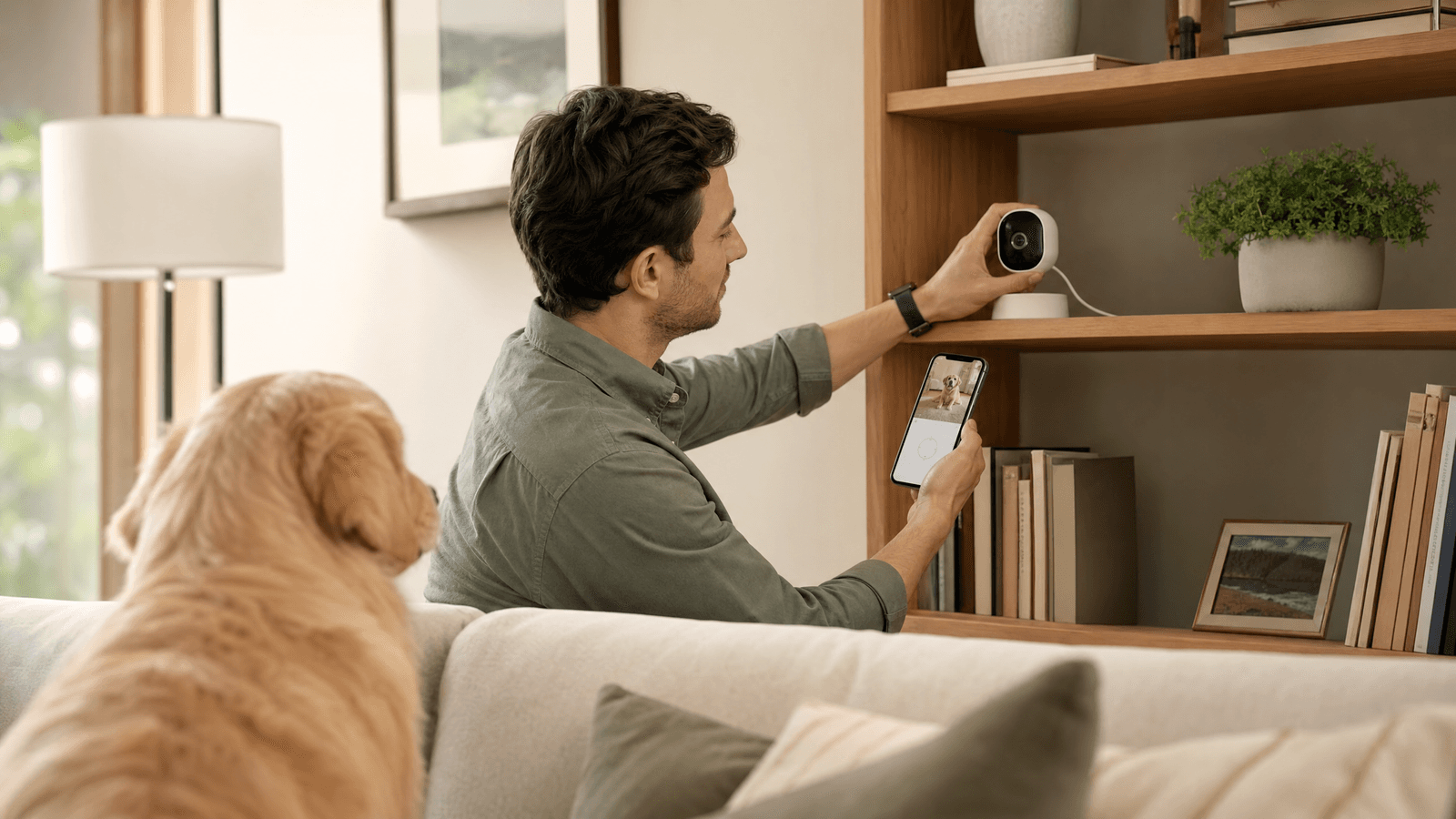
Ensure your furry friends are always within sight with our comprehensive guide to setting up a pet camera, covering optimal placement, connectivity, privacy, and capturing the best moments.
This article contains affiliate links. We may earn a commission if you purchase through our links, at no extra cost to you.
Bringing a pet camera into your home is a fantastic way to stay connected with your furry family members, even when you're away. Whether you want to check in on a new puppy, monitor an anxious cat, or simply enjoy their antics throughout the day, a properly set up pet camera offers invaluable peace of mind. This comprehensive guide will walk you through everything you need to know to install your pet camera effectively, ensuring you get the best possible experience and footage.
The success of your pet camera largely depends on its placement. Consider where your pet spends most of their time. Is it a favorite napping spot, a play area, or near their food and water bowls? Ideally, you want a vantage point that covers a significant portion of their activity zone without being easily knocked over or obstructed.
Eye-Level or Higher: For most pets, placing the camera at or slightly above their eye level can provide a clear view. If your camera has a treat-tossing feature, ensure it's within easy reach for your pet. For cameras with pan and tilt functions, a higher placement (e.g., on a shelf or mounted on a wall) can offer a wider field of view, allowing you to scan the entire room. Avoid placing it directly in front of a window, as glare can obscure the image, and backlighting can make your pet appear as a silhouette. Also, be mindful of potential blind spots created by furniture or other household items.
A stable and strong Wi-Fi connection is crucial for your pet camera to function reliably. Most pet cameras operate on the 2.4GHz Wi-Fi band, which offers a wider range and better penetration through walls compared to 5GHz, though some newer models support both. Before setting up, test your Wi-Fi signal strength in the intended camera location using your smartphone. If the signal is weak, consider moving your router, using a Wi-Fi extender, or opting for a mesh Wi-Fi system to ensure consistent connectivity.
During setup, you'll typically connect the camera to your home Wi-Fi network via a companion app on your smartphone. Follow the app's instructions carefully, as this usually involves scanning a QR code or entering your Wi-Fi password. Ensure your phone is connected to the same Wi-Fi network you intend to use for the camera during the initial pairing process.
While pet cameras are primarily for monitoring your pets, they are still cameras in your home. It's essential to be mindful of privacy, especially if the camera covers areas where family members might expect privacy.
Secure Your Network: Always use a strong, unique password for your Wi-Fi network and change default passwords on your camera if prompted. Enable two-factor authentication (2FA) on your camera's app if available.
Placement Awareness: Avoid pointing the camera directly into neighbors' windows or areas of your home where privacy is paramount. Many cameras offer privacy modes or physical lens covers that you can activate when you're home and don't need active monitoring. Regularly review who has access to your camera's feed and revoke access for anyone who no longer needs it.
To capture clear, engaging footage of your pets, consider these tips:
Cameras & Monitoring
See, talk, and toss treats to your dog from anywhere.
Offers 360° rotating view, treat tossing, two-way audio, and bark alerts, making it ideal for comprehensive pet monitoring and interaction.
Even with careful setup, you might encounter minor issues. If your camera goes offline, first check your Wi-Fi router and ensure it's working. Restarting both your router and the camera can often resolve connectivity problems. If video quality is poor, check your internet speed and camera placement. For persistent issues, consult your camera's user manual or the manufacturer's support website.
Setting up a pet camera in your home is a straightforward process that yields significant benefits for both you and your pet. By paying attention to placement, ensuring strong Wi-Fi, securing your privacy, and optimizing settings, you can enjoy clear, consistent monitoring and interaction. Stay connected with your beloved companions and never miss a moment, no matter where you are.
Keep reading