
Best forhomes with two or more cats
Premium
Smart Hygiene
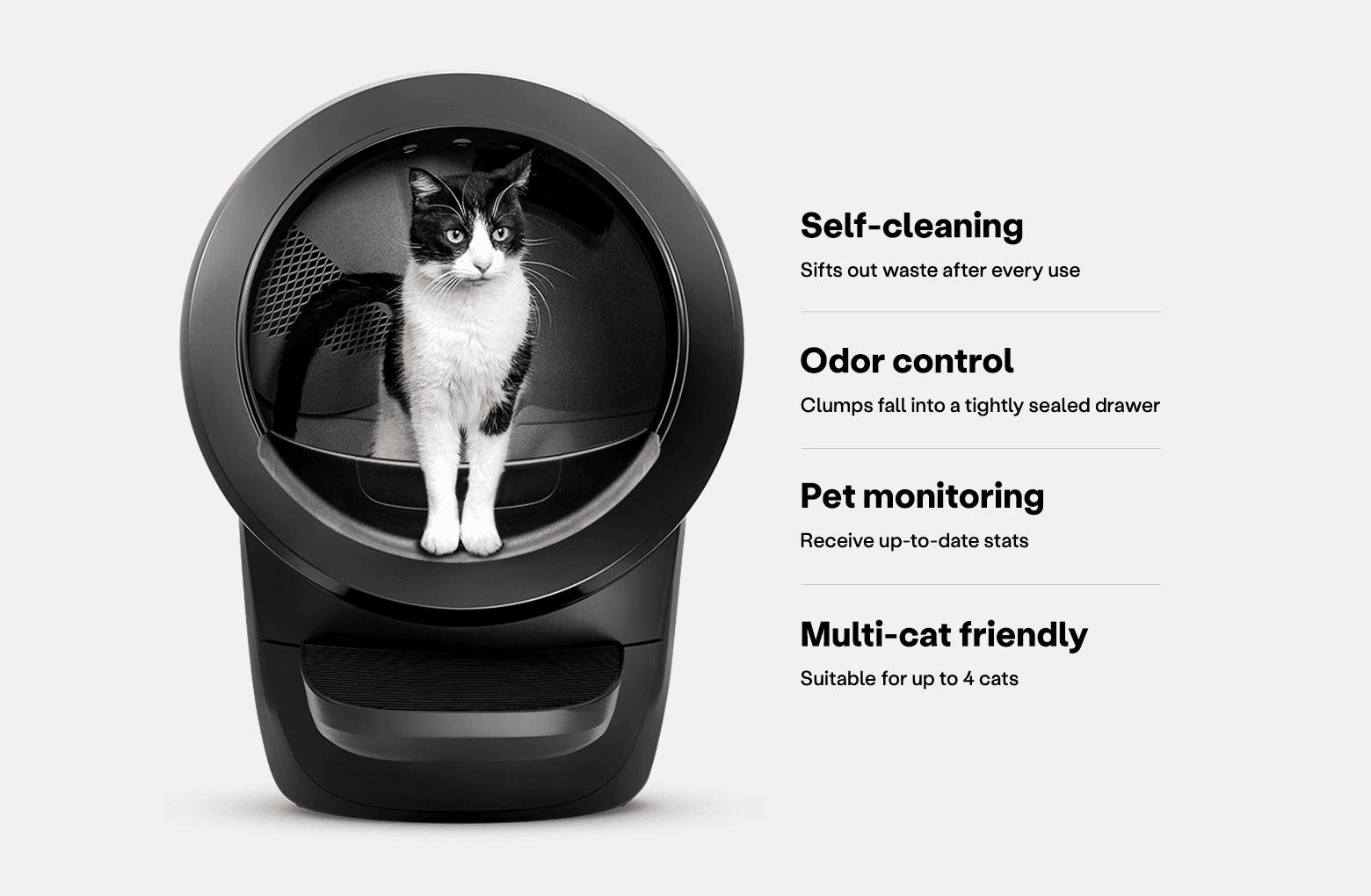
Litter-Robot 4 Self-Cleaning Litter Box
The gold standard in automatic litter boxes. Odor-free, hands-free.
4.5 · 6.7K reviews
8.7SmartPaws Score
How?Typically$699–$899In Stock
SmartPawsGuides, comparisons & trusted resources — Guides & trusted resources — always independent.
By John Choi · SmartPaws author
What the light bar is telling you, the most common reasons a Litter-Robot 4 stops cycling, and how to clear false drawer-full readings, based on Whisker's own support guidance.
This article contains affiliate links. We may earn a commission if you purchase through our links, at no extra cost to you.
A Litter-Robot 4 that suddenly stops cycling is frustrating, especially when you paid a premium to stop scooping. The good news is that most cycling problems are not mechanical failures. They are the robot doing what it was designed to do: waiting out a cycle delay, observing sleep mode, protecting a cat it thinks is still inside, or refusing to cycle because it believes the waste drawer is full. This guide organizes Whisker's official Litter-Robot 4 support guidance into a practical troubleshooting order, starting with the light bar, so you can find the cause in minutes rather than hours.
The Litter-Robot 4 reports almost every problem through the color and pattern of the light bar on the front of the unit. Before you unplug anything, note the exact color and whether it is solid, flashing, or alternating. The same alerts also appear in the Whisker app. Whisker's light codes guide lists more than two dozen patterns. The ones below are the codes most often behind a unit that will not cycle.
By default, the Litter-Robot 4 waits 7 minutes after your cat leaves before it cycles, so waste has time to clump. Whisker lets you set the wait time anywhere from 3 to 30 minutes. If you changed it to a long delay, the robot may simply be waiting. Pressing Reset cancels the countdown.
Whisker says the unit ships with a default 8-hour sleep period, and during that period it will not cycle automatically. A solid purple light bar is the clue. Long-press the Cycle button for 3 seconds to turn Sleep Mode off, or change the schedule in the Whisker app.
The SmartScale in the base detects when a cat enters and exits. If extra weight sits on the unit, such as litter above the fill line, a litter mat tucked underneath, or another object leaning on the base, the robot assumes a cat is present and waits. Remove excess litter, move the mat fully in front of the unit, and press Reset twice from the home position to zero the scale. If the unit is stuck, Whisker recommends a long press of Reset for 3 seconds.
Carpet, thick mats, grout lines, cords under a foot, and walls touching the sides all interfere with the weight sensor. Whisker recommends a firm, level floor with all four feet free to move, and a Carpet Tray if the robot must sit on carpet.
Three laser curtain sensors in the top of the bezel detect cats and measure the waste drawer level. Dust and cat hair on these sensors can cause false cat detections and inaccurate drawer readings. Whisker recommends wiping the bezel with a dry, clean cloth, vacuuming the area with a brush attachment, and using a cotton swab for more careful cleaning. Its guides describe dry cleaning methods only.
When the drawer-full indicator (DFI) detects a full waste drawer, the light bar flashes blue and the unit cycles two more times before it stops cycling automatically. If the drawer is not actually full, see the false-full section below.
The SmartScale does not recognize cats under 3 lb, so a kitten or a very small cat will not trigger automatic cycles. Whisker's suggested workaround is a semi-automatic routine: leave the unit off, and after your cat uses it, wait about 7 minutes for the waste to clump and then power it on to cycle. Our Litter-Robot 4 guide for small cats covers this in more detail.
A false full warning is one of the most common Litter-Robot 4 complaints, and Whisker's DFI guidance points to a short list of causes. The drawer level is measured by the curtain sensors as the waste port passes over the drawer during each Clean cycle, so anything that blocks the sensors' view can look like a full drawer. Whisker names four common culprits: a liner bag that is stretched or poorly positioned, dust or cat hair on the sensors, dark-colored bags (especially when the drawer is empty), and obstructions around the waste port opening.
To fix it, empty the drawer, refit the liner so it sits flat against the drawer walls and does not ride up toward the opening, wipe the bezel and sensors dry, and clear any litter buildup around the waste port. Then press Reset, followed by Cycle. A solid blue light bar means the reset worked. If the drawer gauge in the app still looks wrong after cleaning, Whisker has a separate troubleshooting article for inaccurate waste drawer gauge readings. For realistic emptying intervals, see our Litter-Robot 4 waste drawer guide.
Some light codes point to hardware rather than setup. A red light bar with yellow flashing means the globe is jammed or overloaded. Whisker says the unit will retract and try to continue, so check for litter above the fill line or a large clump blocking rotation. Blue and white alternating lights indicate a motor connection issue. Whisker's motor installation guide explains how to reseat the connection. A red and green alternating pattern means the factory scale calibration has been lost, which Whisker says requires a base replacement. White with yellow flashing points to the wrong power supply. In these cases, contact Whisker support rather than repeatedly power-cycling the unit, and have your serial number and the light pattern ready. Our Litter-Robot 4 setup guide is a good refresher if you need to reassemble the unit after a repair.
Smart Hygiene
The gold standard in automatic litter boxes. Odor-free, hands-free.
Most Litter-Robot 4 cycling problems come from settings, placement, or dusty sensors rather than hardware, and the light bar plus the Whisker app make diagnosing them straightforward.
The most common causes are the cycle delay still counting down, Sleep Mode, extra weight on the scale, an unlevel surface, dirty curtain sensors, or a cat under 3 lb. Check the light bar first. It usually tells you which one applies.
For most alerts, fix the underlying cause, press Reset, then press Cycle. To zero the scale, press Reset twice from the home position. If the unit stays stuck, Whisker recommends a long press of Reset for 3 seconds, and power-cycling the unit if it is unresponsive while paused.
Whisker's sensor-cleaning guidance describes dry methods only: a clean dry cloth, a vacuum with a brush attachment, and a cotton swab. Avoid sprays and harsh chemicals on the bezel sensors.
Usually because something is blocking the curtain sensors: a liner that rides up, a dark bag, dust or hair on the bezel, or buildup around the waste port. Refit the liner, clean the sensors, then press Reset and Cycle.
When a Litter-Robot 4 stops cycling, the light bar is your best diagnostic tool. Most cases trace back to a wait time, Sleep Mode, a scale that thinks a cat is inside, an uneven floor, or dusty curtain sensors, and each one takes only minutes to fix. False drawer-full warnings usually come down to liner fit and sensor cleanliness. Save support calls for the codes that point to jams, motor connections, or lost calibration. With a level floor, the correct litter level, and a quick dry wipe of the sensors whenever you change the liner, the Litter-Robot 4 should go back to doing the job you bought it for.
Keep reading
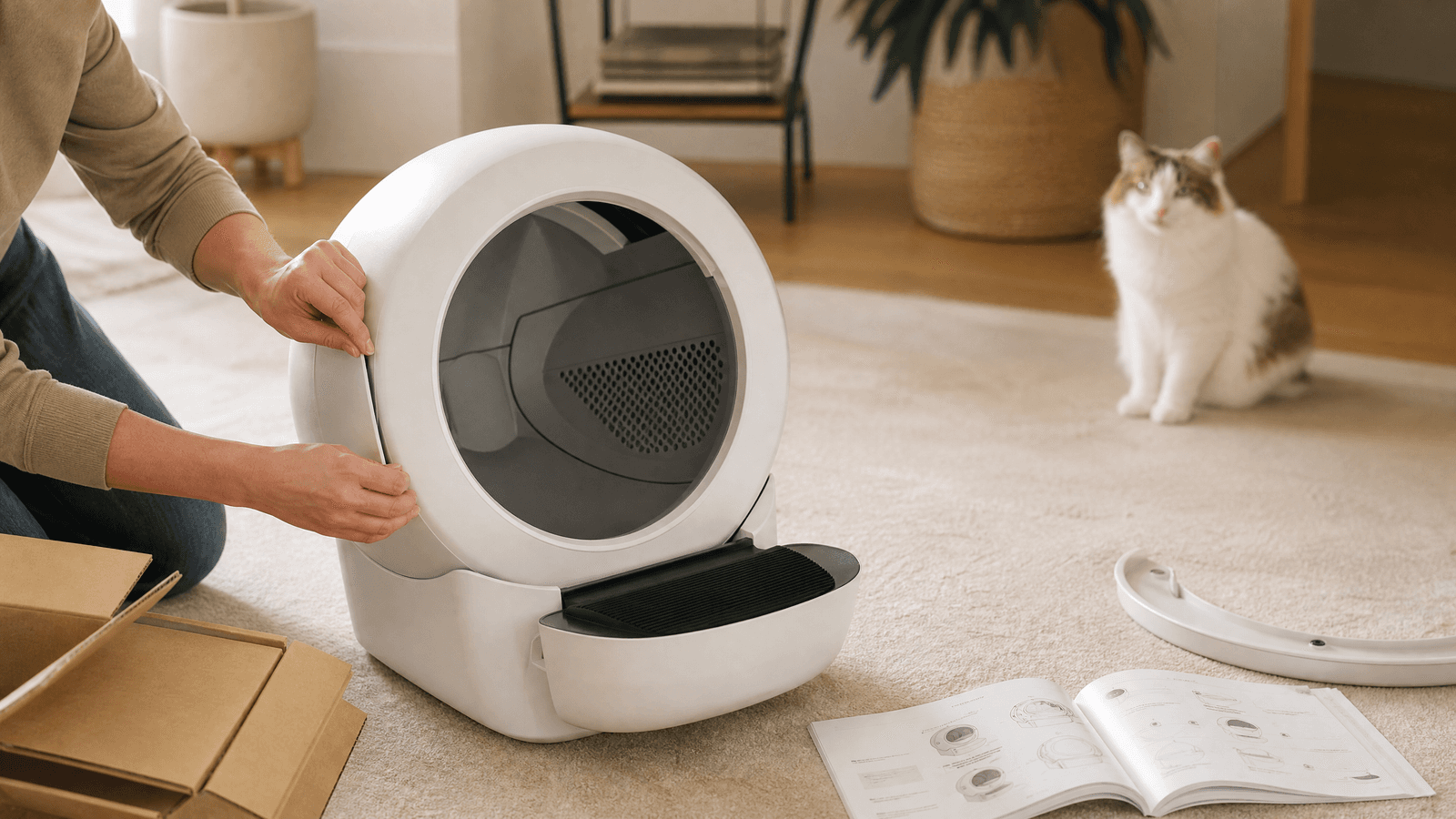
Thinking about getting a Litter-Robot 4 but worried about the setup? We break down the unboxing, assembly, app configuration, and how we introduced our cats to this smart litter box, sharing our honest first-week experience.
Read guide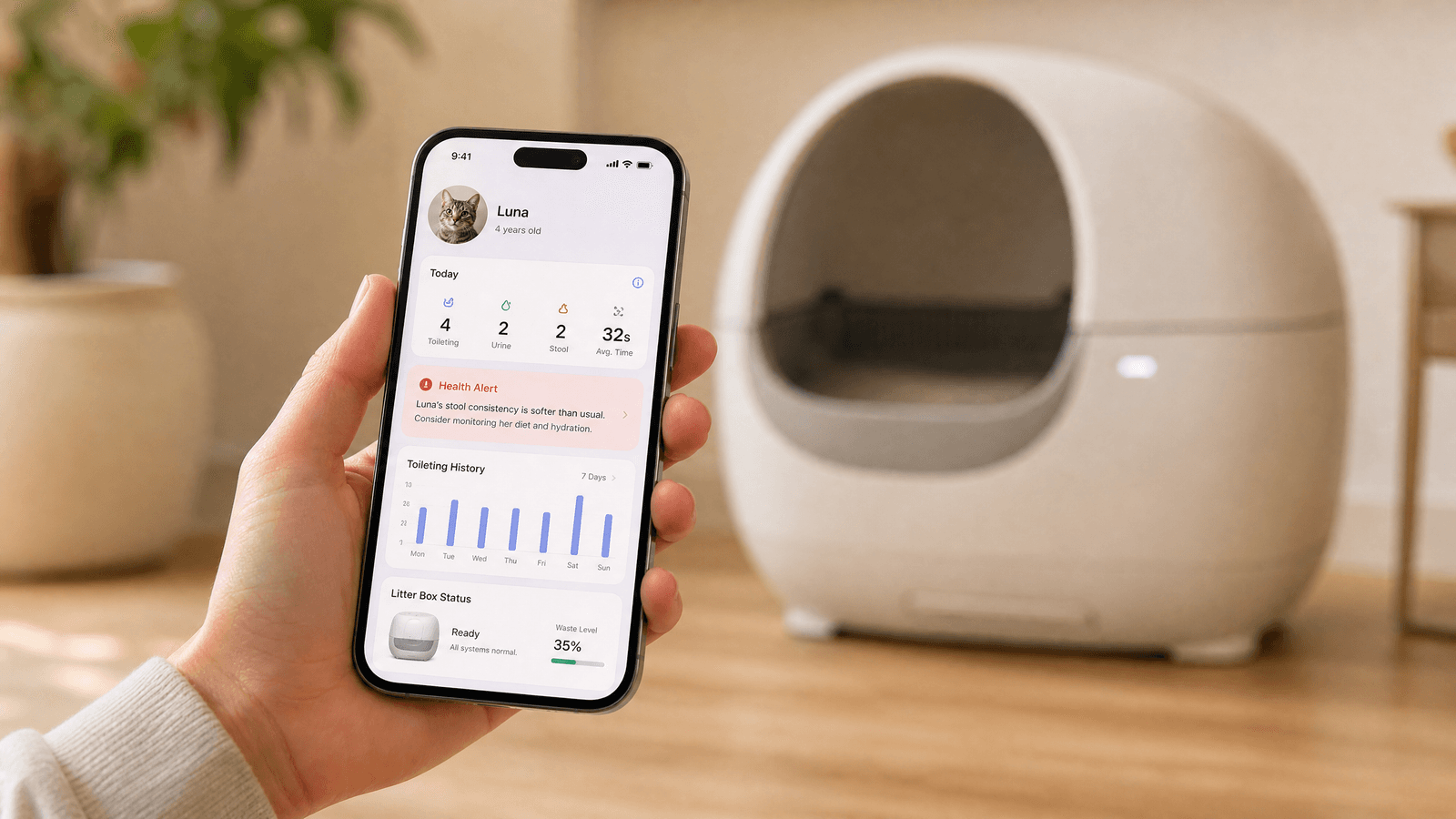
The Litter-Robot 4 promises a cleaner home and happier cats, but how does its accompanying Whisker app truly enhance the experience? We explore its features, smart home integration, and whether it justifies the investment.
Read guide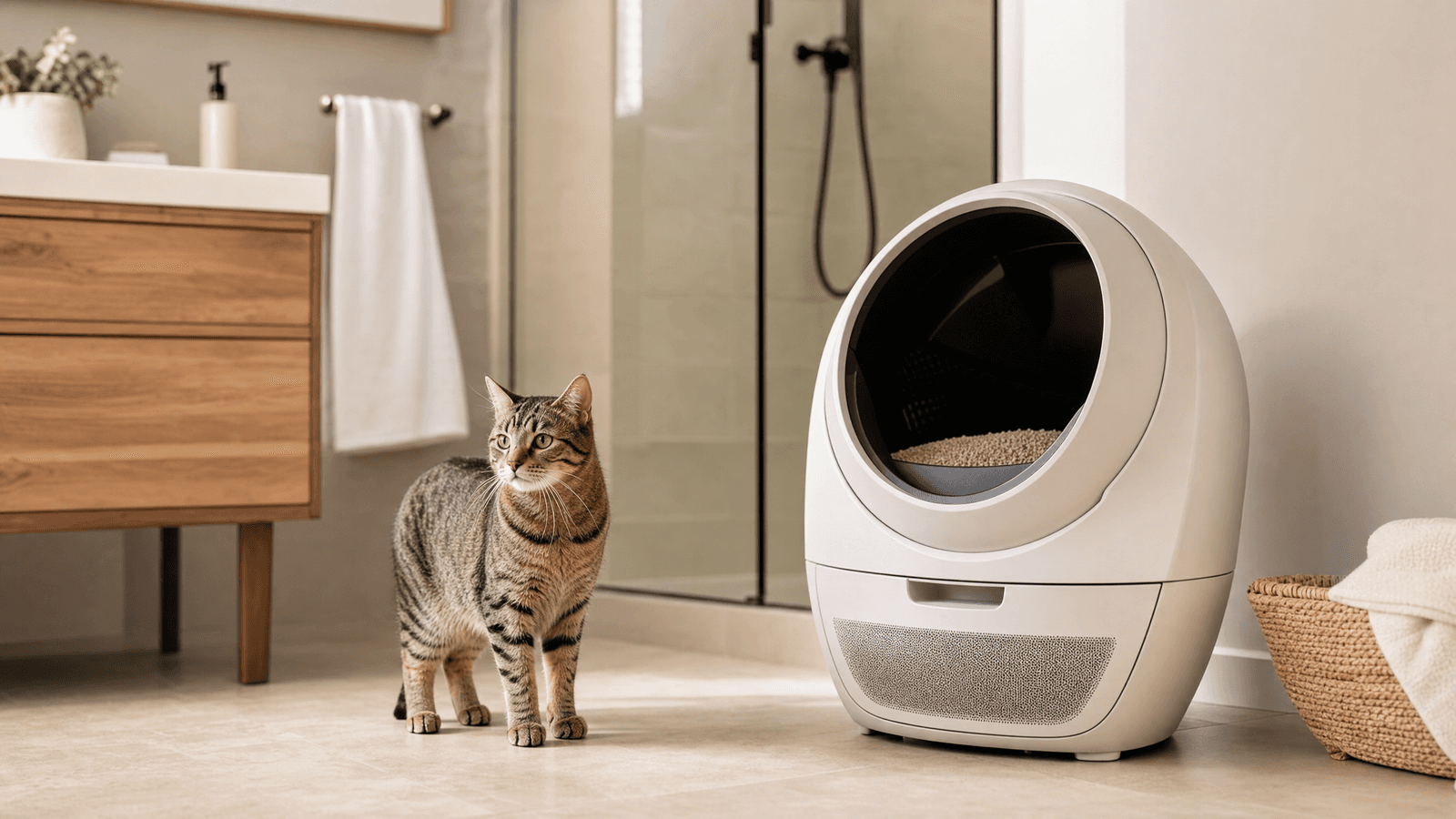
The Litter-Robot 4 promises a fresh home with its advanced odor control. We dive deep into its mechanisms, from carbon filters to sealed waste drawers, and share our real-world findings. Discover if this smart litter box lives up to its claims.
Read guide