
Best forwatching your dog eat from anywhere
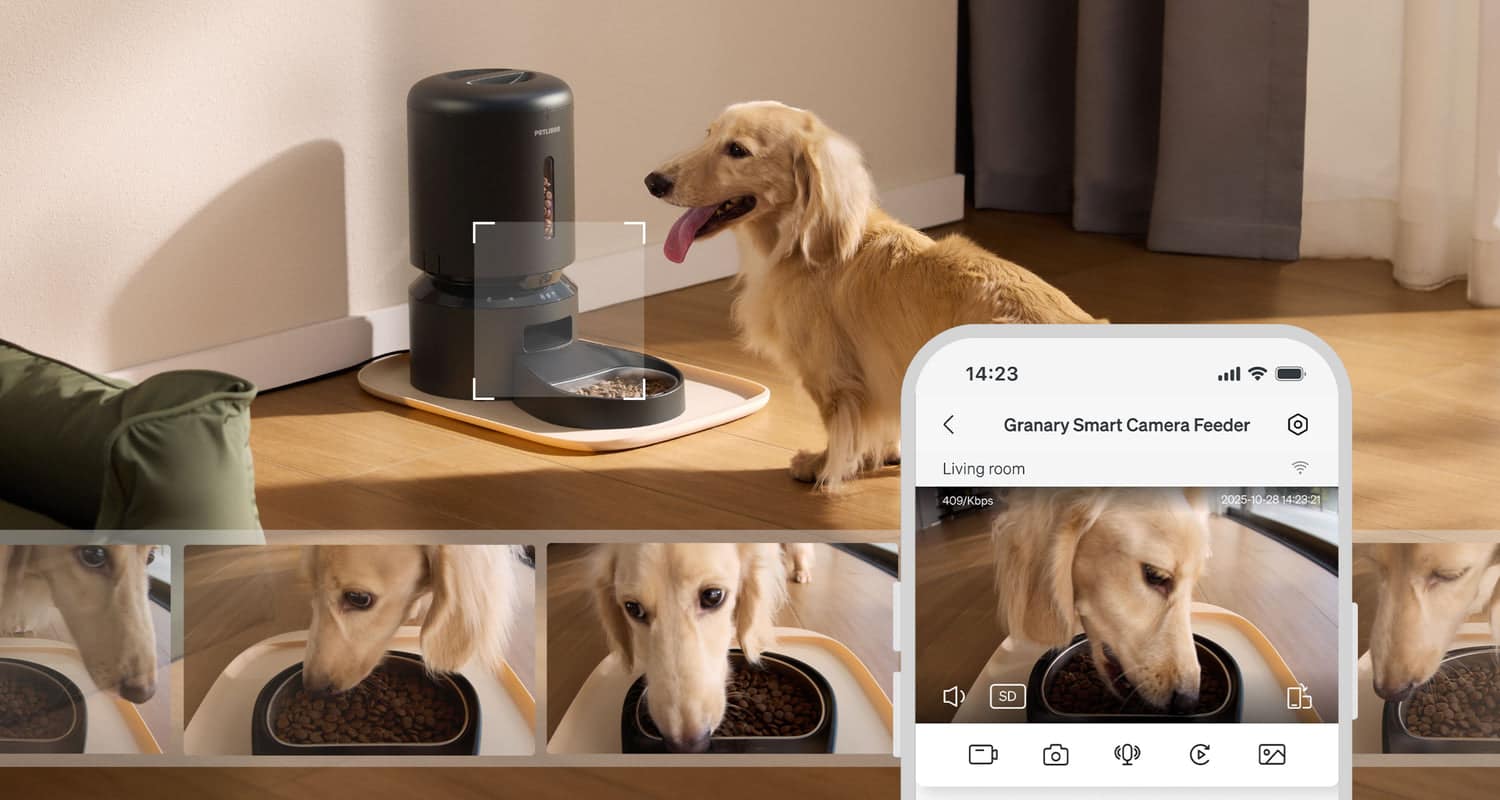
Camera Feeder
App Connected
Smart Feeding
PETLIBRO Smart Feeder with Camera
Schedule your dog's meals and watch them eat — from anywhere.
4.6 · 12K reviews
8.2SmartPaws Score
How?Typically$99–$139In Stock
SmartPawsGuides, comparisons & trusted resources — Guides & trusted resources — always independent.
By John Choi · SmartPaws author
How the PETLIBRO Smart Feeder behaves when the power goes out, the Wi-Fi drops or kibble jams the chute, and what to do so your pet never misses a meal.
This article contains affiliate links. We may earn a commission if you purchase through our links, at no extra cost to you.
Smart pet feeders offer unparalleled convenience, allowing you to schedule meals and dispense food remotely. But what happens when the lights go out, or your home WiFi decides to take a break? For pet parents relying on devices like the PETLIBRO Smart Feeder, understanding its performance during power outages and internet disruptions is crucial. In this comprehensive review, we'll explore the PETLIBRO Smart Feeder's battery backup, offline scheduling capabilities, and what you can expect when connectivity is lost, ensuring your beloved pet never goes hungry.
The PETLIBRO Smart Feeder is designed for reliability, typically powered by a standard wall adapter. This ensures consistent operation and access to all its smart features, including app control, custom meal plans, and real-time notifications. However, a smart feeder's true test of reliability comes when its primary power source is interrupted. This is where its integrated battery backup system becomes a critical feature for concerned pet owners.
When your home experiences a power outage, the PETLIBRO Smart Feeder seamlessly transitions to its battery backup. This means that pre-programmed feeding schedules will continue to execute without interruption. Your pet's meal times remain consistent, providing peace of mind even when the grid is down. The feeder typically uses D-cell batteries (usually 3-4, not included), which can power the device for several days, depending on usage. It's important to regularly check and replace these batteries to ensure they are ready when needed.
The battery life of the PETLIBRO Smart Feeder can vary, but generally, a fresh set of D-cell batteries can last anywhere from 2 to 7 days. This duration is influenced by factors such as the frequency of feedings, the number of portions dispensed, and environmental conditions. For optimal reliability, we recommend checking the battery status periodically and replacing them annually, or more frequently if you live in an area prone to frequent power interruptions. Some models may also provide low-battery indicators through the app or on the device itself.
One of the most reassuring features of the PETLIBRO Smart Feeder is its ability to maintain feeding schedules even when your home WiFi network is down. Once you've set up your feeding plan through the app, the schedule is stored directly on the feeder's internal memory. This means that if your internet connection is lost, the feeder will continue to dispense food at the programmed times and portions. This is a significant advantage, as it ensures your pet's routine remains undisturbed regardless of network availability.
While offline scheduling is a lifesaver, it's important to understand the limitations when the feeder is disconnected from WiFi. Without an internet connection, you will lose the ability to remotely control the feeder via the app. This includes making real-time adjustments to schedules, manually dispensing food, or receiving feeding notifications. The feeder will operate autonomously based on its last saved schedule. For real-time monitoring and control, a stable WiFi connection is essential. See our Smart Feeder Buying Guide for more insights into connectivity features.
To maximize your PETLIBRO Smart Feeder's reliability during unforeseen events, adopt these best practices:
Power is not the only thing that can interrupt a scheduled meal. The other common failure point for any rotor-style feeder is a kibble jam, where a piece wedges in the dispensing chute and the portion comes out short or not at all. PETLIBRO's app-connected feeders watch for a failed or blocked dispense and send an alert to the app. That alert is the most useful safeguard, because it tells you a meal was missed instead of leaving you to discover it when you get home. Remember that during a Wi-Fi outage you will not receive that alert either, which is one more reason to put your router on backup power before a trip.
Jams are far more likely with large, irregular, oily or very light kibble than with small, dry, round pieces. Check the kibble size range in your specific model's manual before you fill the hopper. If your pet's food sits near the top of that range, watch the first week of meals closely, especially larger portions that push more pieces through the rotor at once.
Smart Feeding
Schedule your dog's meals and watch them eat — from anywhere.
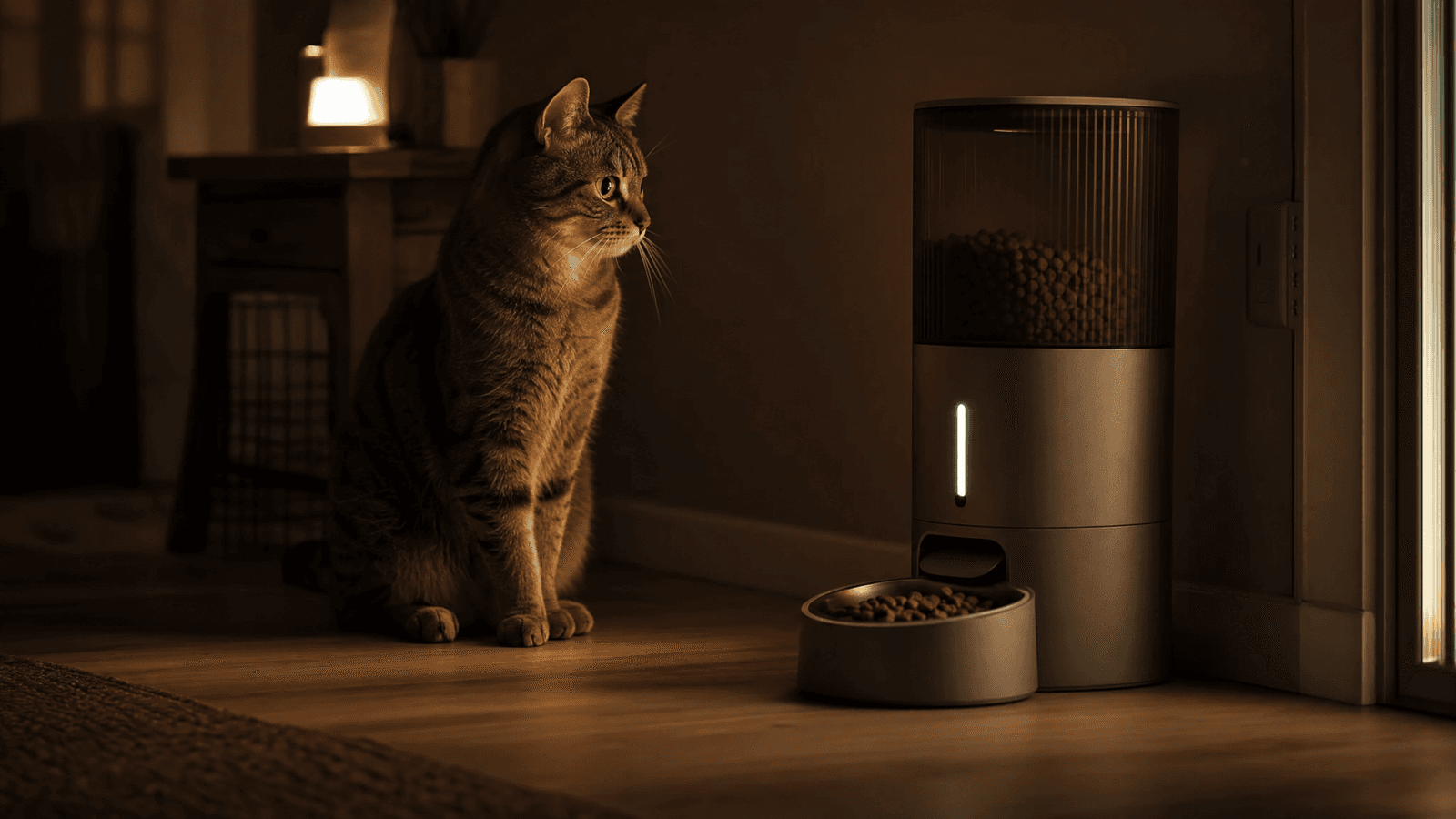
Reliable feeding with essential battery backup and offline scheduling for peace of mind during power outages.
The PETLIBRO Smart Feeder proves to be a highly reliable device, especially when faced with power outages or internet disruptions. Its robust battery backup and internal memory for schedules mean your pet's feeding routine remains consistent, even in challenging circumstances. While you'll lose remote control features without WiFi, the core function of automated feeding continues uninterrupted. For pet parents seeking a smart feeder that offers genuine peace of mind, the PETLIBRO Smart Feeder is an excellent choice, ensuring your furry companion is always well-fed, come what may. Just as important, its jam alerts tell you when a portion did not come out, so pair the feeder with a kibble size your model is rated for and test it before you leave home.
Keep reading
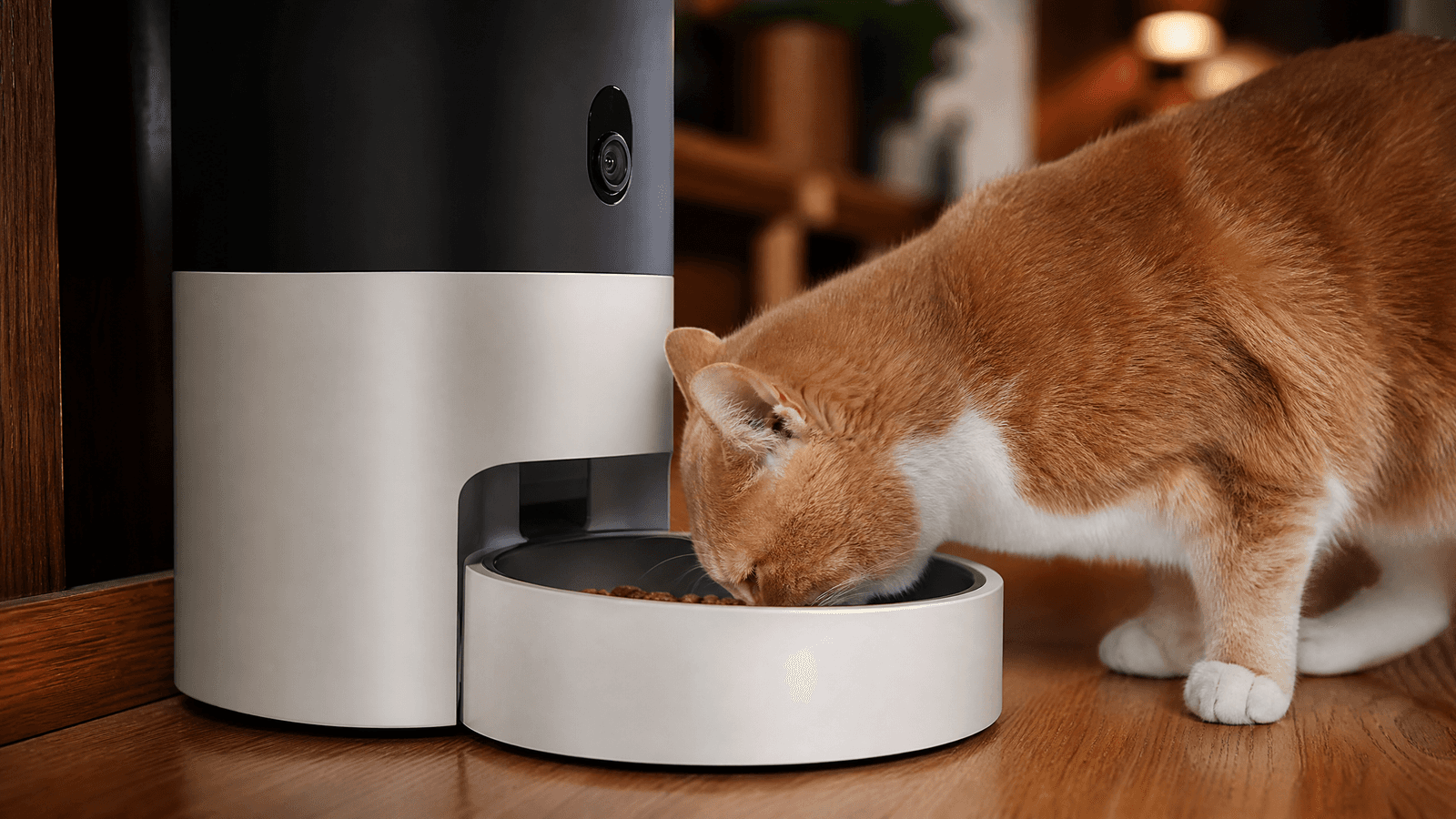
The PETLIBRO Granary Camera Feeder promises convenience and peace of mind for pet owners. We put this smart feeder to the test, evaluating its camera quality, portion accuracy, app functionality, and overall reliability.
Read guide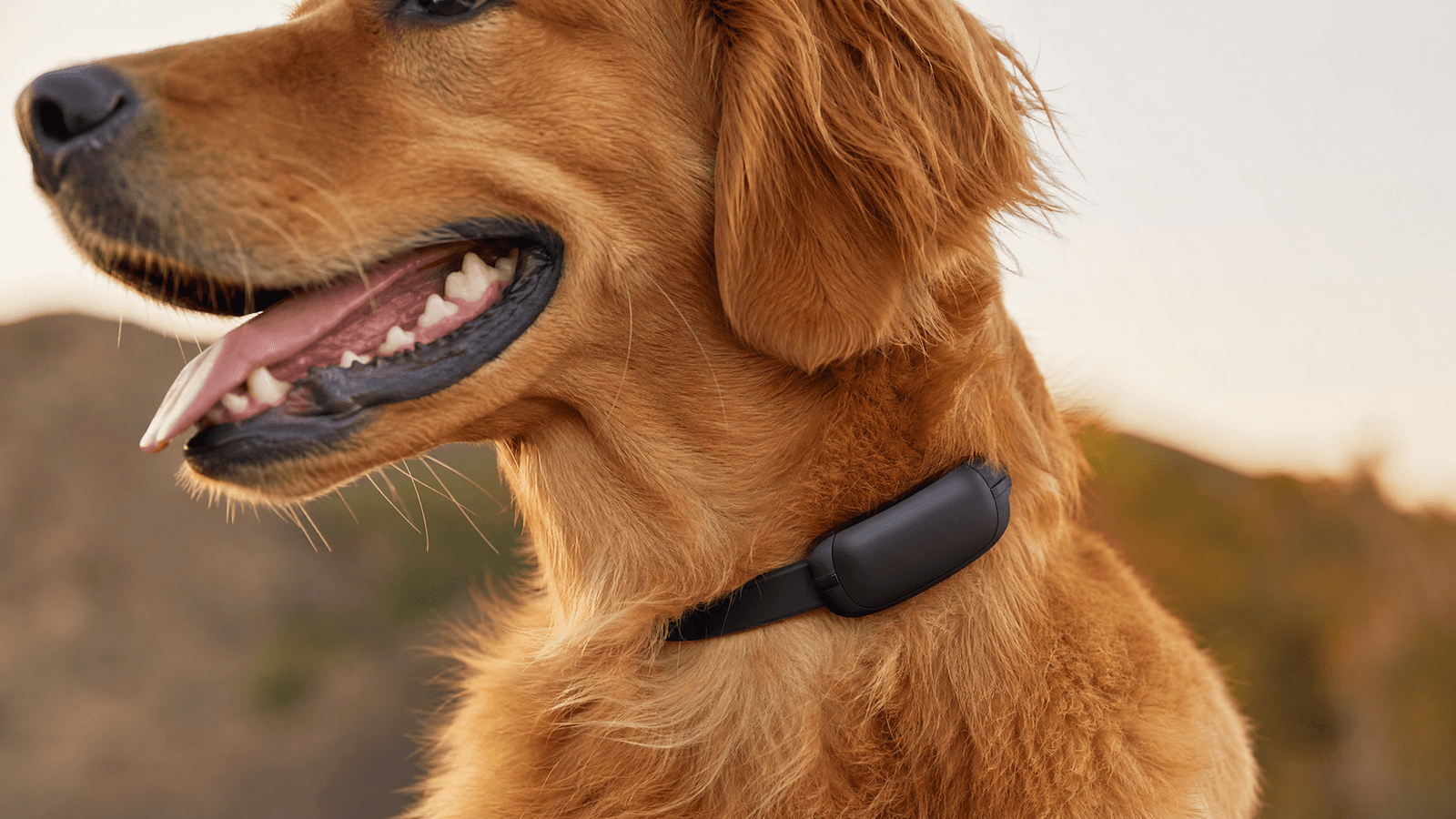
The Fi Series 3+ GPS Dog Collar promises unparalleled tracking, durability, and smart features for your canine companion. But does this premium device truly deliver on its promises, and is it worth the investment? Our in-depth review breaks down every aspect.
Read guide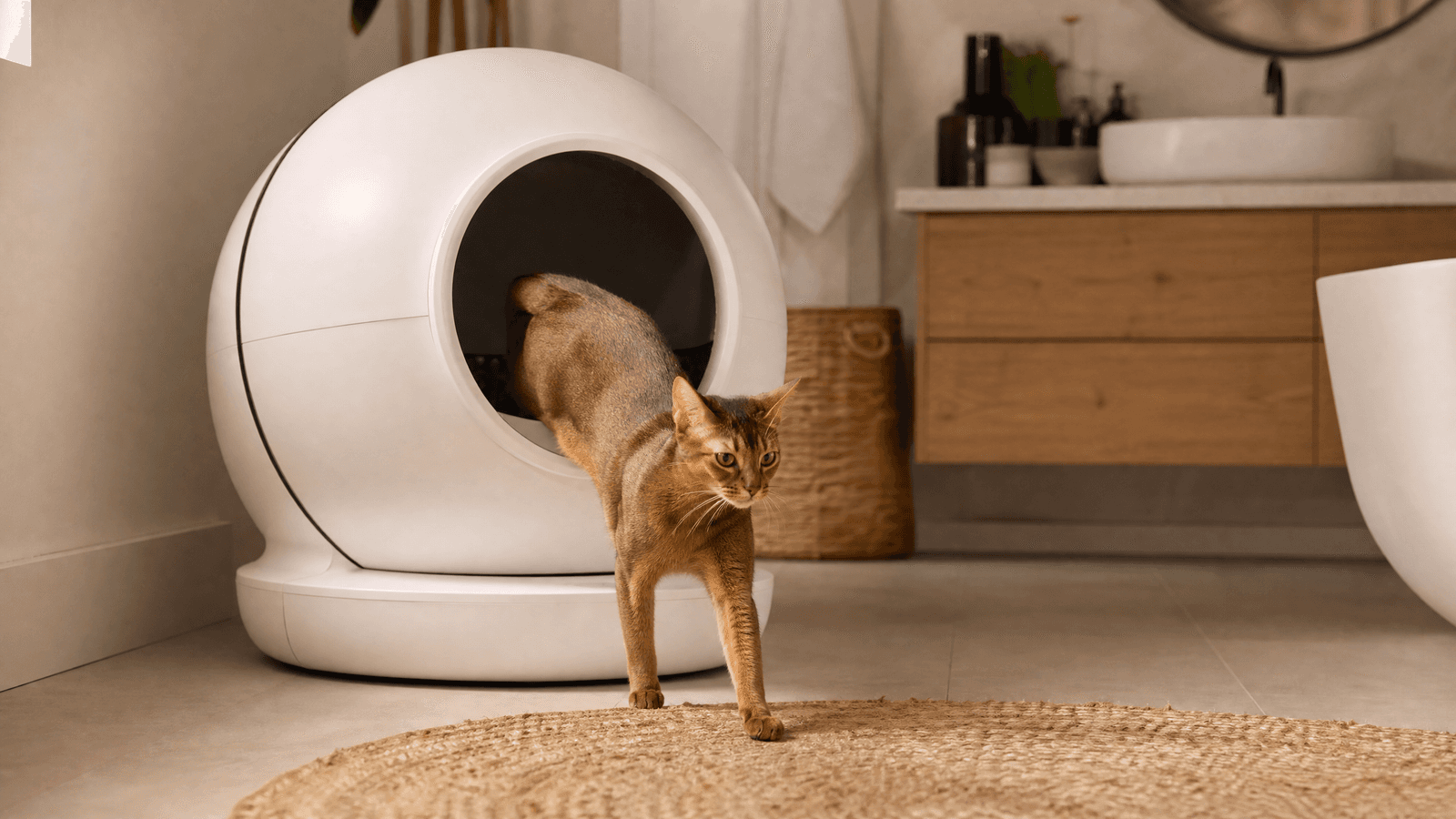
The Litter-Robot 4 promises to revolutionize cat care with its advanced self-cleaning technology, superior odor control, and smart app integration. But does it live up to the hype? Our in-depth review covers everything from setup to cat acceptance, helping you decide if this premium device is worth the investment.
Read guide